
Whether you're a nurse coming over from the UK, an electrician finishing your apprenticeship or a retail assistant going for your first team leader role, a New Zealand CV follows the same simple conventions. Most of them come from Tahatū Career Navigator, the government's careers service, and from the Human Rights Act.
This post walks through a CV from top to bottom, in the order you'd write it. For every convention and its source on one page, see our New Zealand CV format guide.
Before you start: aim for two pages
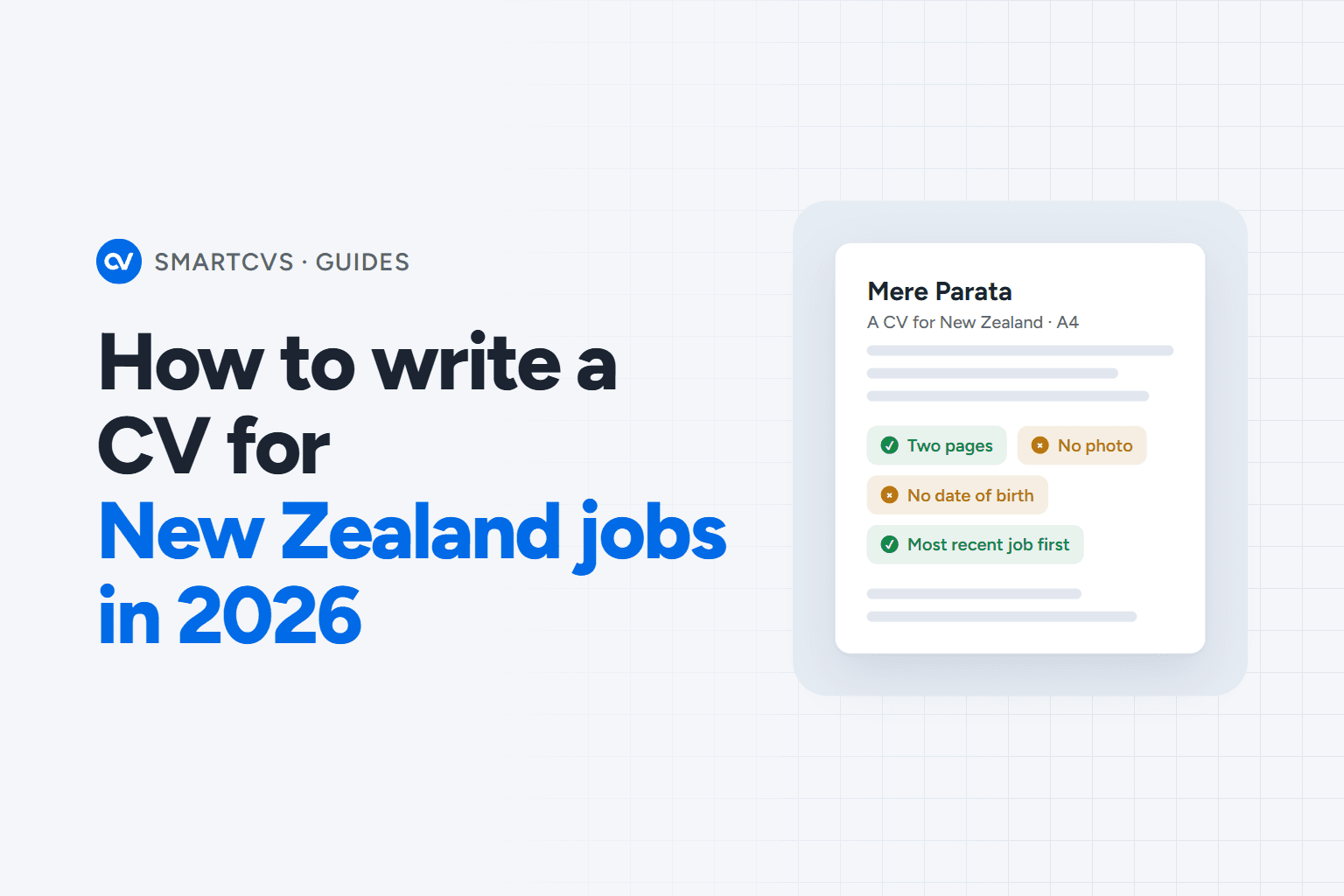
Tahatū Career Navigator says to keep your CV to two pages if you can. SEEK's industry advice is more relaxed and allows up to four for a long career, but two is the safer target.
That limit forces choices, and that's a good thing. A support worker with fifteen years of roles doesn't need every early job described in detail. Give the recent and relevant jobs the space, and keep older ones to a line or two.
Step 1: your name and contact details
Put your name at the top, then a phone number, a professional email address and a link to your LinkedIn or another online job profile if you have one. The careers service's own template doesn't include a home address, and SEEK says a full address isn't needed. Your town or city is enough.
If your email address is a nickname you picked at school, now's a good time to set up a plain one with your name in it.
Step 2: leave off the photo, age and personal details
This is the step that surprises people who've written CVs elsewhere. Tahatū Career Navigator says it's usually best not to add a photo, your age or your date of birth, and the Tertiary Education Commission's CV guide says to remove images and photos.
The law is behind it. The Human Rights Act 1993 lists grounds an employer can't discriminate on, including age, marital status, family status, religious belief and national origins. The Human Rights Commission's guidance for employers says they shouldn't try to find out your date of birth, whether you're married or have children, or your religious beliefs. So none of those belong on your CV either.
Step 3: a short personal statement
Next comes a few lines on who you are and what you're looking for. Keep it specific to the job in front of you. A few examples of the kind of thing that works:
- A chef: "Chef de partie with six years in à la carte kitchens, looking for a sous chef role where I can train junior cooks."
- A software developer: "Front-end developer working in TypeScript and React, looking for a team that takes accessibility seriously."
- A retail assistant: "Retail assistant with three years on the floor and the till, ready to step up to key-holder."
Each one names the job, the experience and what the person wants next. Rewrite it for every application, because it's the first thing an employer reads.
Step 4: your key skills
List the skills the job needs, in the words the job ad uses. If the ad says "fault finding" and your CV says "diagnosing electrical problems", say it the ad's way. If a nursing ad asks for an "annual practising certificate", name yours. It's the same experience, but now the reader (and any software sorting applications) can find it.
Keep the list short and relevant. Skills that matter for a different job can stay off this CV.
Step 5: your work history, most recent job first
Tahatū Career Navigator suggests your work history goes most recent job first. It can include other work experience too, not only paid jobs, so volunteering or a placement can earn its place.
Under each job, write a few bullet points about what you did and what came of it. "Ran the pass on a 120-cover Saturday service" says far more than "Responsible for kitchen duties". Only use numbers you can stand behind in an interview.
Step 6: education and qualifications
List your study most recent or most relevant first. The careers service suggests listing the dates, or just the year you finished.
If your job needs a registration, licence or certificate, make it easy to find. Our registered nurse CV example and electrician CV example show where they sit on a whole CV, laid out as a real page.
Step 7: referees
Interests are optional and go just before this section. Include referees if the job ad asks for them. You'll need contact details for at least two people, and the careers service's CV builder suggests two or three who know your work. If the ad doesn't ask, write "Referees available on request".
Employment New Zealand says an employer can only collect information about you from someone who isn't one of your nominated referees with your consent. Let your referees know they may get a call.
Work rights, if you're on a visa
Employers must check that you can legally work in New Zealand before they employ you, as Immigration New Zealand explains. No official guide says your visa status has to go on your CV, so it's your call. If you do include it, one line such as "Open work visa, valid to 2028" is enough. Either way, be ready to show your work rights when you're asked.
Gaps in your work history
A break doesn't need hiding. Tahatū Career Navigator suggests a skills-focused CV to show what you learned during the break, and explaining a big gap in your cover letter. Time spent caring for family, studying or travelling is part of your story, not something to cover up.
Format, file and spelling
Send your CV as a PDF unless the employer asks for a Word document, and name the file clearly, like "aroha-smith-CV.pdf". The careers service recommends a plain black font such as Calibri at 11 point, larger bold headings and plenty of white space.
Keep the layout simple. Your CV may go through an applicant tracking system (ATS), software that searches CVs and cover letters and ranks them, and the careers service says simple, consistent formatting makes sure it can read yours. The Tertiary Education Commission adds: remove text boxes, because an ATS won't read infographics or diagrams. There's more on this in the guide's format and ATS section.
Finally, use New Zealand English: "organisation", not "organization". The careers service's advice on using AI to write a CV suggests asking for "clear, plain New Zealand English" and fixing American spelling.
Then write the cover letter
Expect to send one. Tahatū Career Navigator says a cover letter goes with your CV when you apply, and to keep it to one page. If the employer uses an application form instead, follow every instruction, as they may reject applications that don't.
See it on a real page
It's easier to write a CV when you can see one. Our CV examples each show a whole CV for a New Zealand job, with the keywords its ads use and the mistakes to avoid. Start with the chef CV example, or browse all the CV examples for trades, health, hospitality, teaching, tech and more.
Where SmartCVs fits
SmartCVs was built in New Zealand, and its CVs follow these conventions by design. Your profile has no field for a photo or date of birth, so no CV it makes includes them, and every CV downloads as PDF or Word. For each job ad, it tailors your CV to the ad's words without adding employers, dates or qualifications you don't have.
Want to know how your current CV reads? Try the free CV check and see how an ATS reads yours.