The job market in 2025 is more competitive than ever. You can have the best resume in the world, but if you send it with a blank or poorly written email, your chances of landing an interview drop dramatically.
Your email is often your first impression. It’s the first thing a recruiter sees before opening your attachment. That means how you present your resume can be just as important as what’s inside it.
In this guide, we’ll show you how to write the perfect email to accompany your resume, including:
- What every email should include
- Sample templates for different scenarios
- Common mistakes to avoid
- How AI tools like SmartCVs can help you write better, faster, and smarter
Why Your Email Matters
Think of your email as your digital handshake. It introduces you before your resume does.
A well-written email tells recruiters that you’re professional, attentive, and serious about the opportunity. On the other hand, a sloppy or overly casual email can signal the opposite even before your resume is opened.
Your email shows three key things:
- Professionalism - clear writing and attention to detail.
- Confidence - communicating value without overdoing it.
- Respect for the reader’s time - concise, relevant, and easy to scan.
When done right, your email builds trust and increases the chance your resume actually gets read.
What to Include in Your Email When Sending a Resume
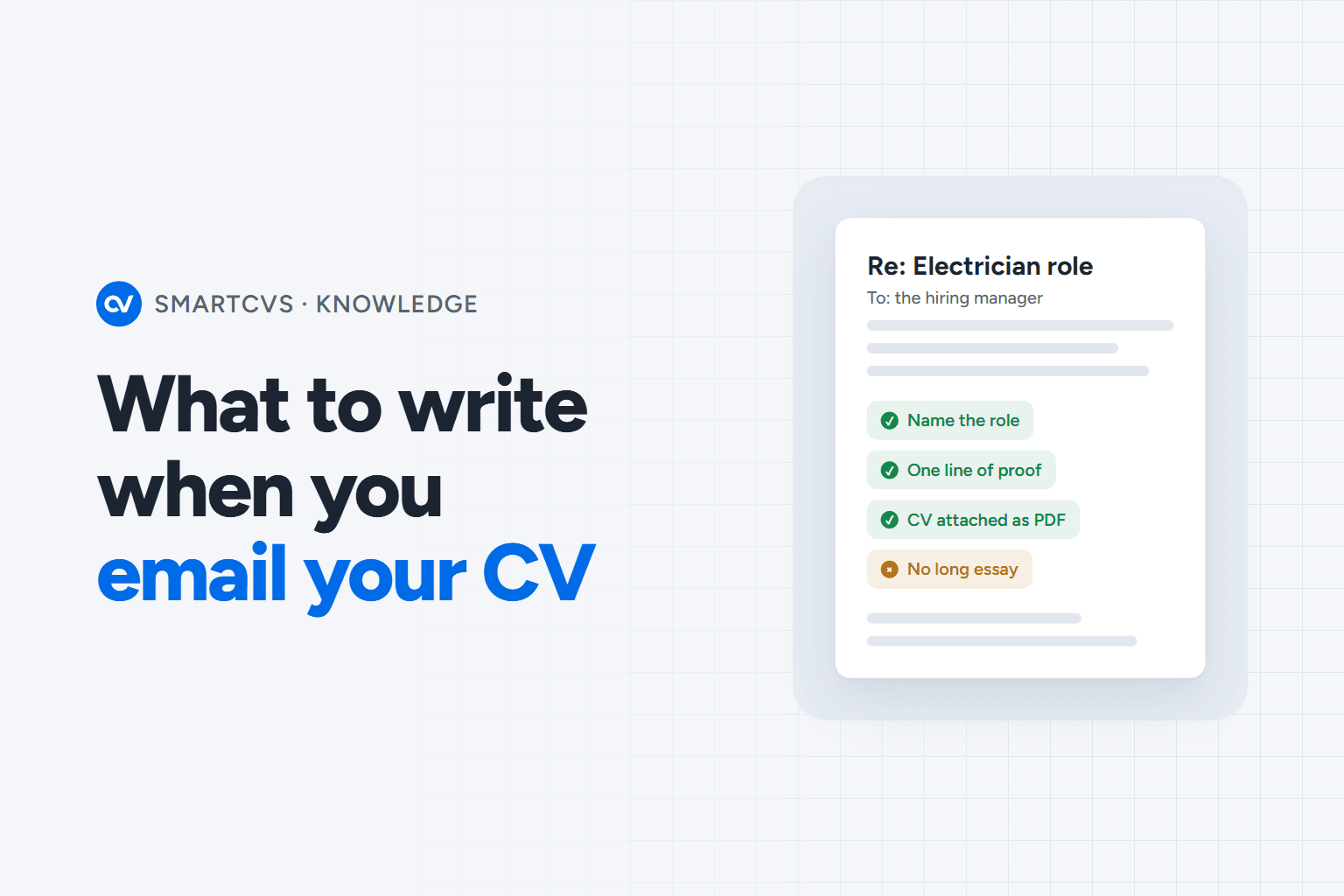
Here’s a quick checklist of what every resume email should contain:
- Subject line
- Application for Marketing Manager – Alex Rivera
- Greeting
- Dear Ms. Chen,
- Opening line
- I’m writing to apply for the Marketing Manager role at [Company].
- Body
- With 5 years of experience leading SEO… I believe my skills align with…
- Attachment reminder
- Please find my resume and cover letter attached for your review.
- Closing line
- Thank you for your time. I look forward to hearing from you soon.
- Signature
- Full name, phone, email, LinkedIn profile
Sample Email Templates for Sending Your Resume
Here are proven templates you can personalize for your next job application.
1. Standard Job Application Email
Subject: Application for Marketing Coordinator – Taylor Nguyen
Dear Ms. Patel,
I’m writing to apply for the Marketing Coordinator position at Innovate Media, as advertised on LinkedIn.
With over three years of experience managing content strategy and social media engagement, I’m confident I can contribute to your team’s growth and brand presence.
Please find my resume and cover letter attached for your review. I would welcome the opportunity to discuss how my skills align with your goals.
Best regards,
Taylor Nguyen
taylor.nguyen@email.com
(555) 123-4567
linkedin.com/in/taylornguyen
2. Referral-Based Application
Subject: Referral Application – Project Manager Role (Referred by John Davis)
Dear Hiring Manager,
John Davis recommended that I reach out regarding the Project Manager opening at BrightTech. I’ve successfully managed cross-functional teams for over six years, delivering projects on time and under budget.
I’ve attached my resume for your review and would love the opportunity to share how my background could support BrightTech’s upcoming initiatives.
Thank you for your consideration,
Maria Lopez
maria.lopez@email.com
linkedin.com/in/marialopez
3. Internship Application
Subject: Application for Marketing Internship – Rohan Mehta
Dear Hiring Team,
I am writing to express my interest in the Marketing Internship at Horizon Digital. As a Business Administration student at NYU, I have gained experience through social media projects and digital campaigns that increased engagement by 20%.
Please find my resume attached. I am excited about the opportunity to contribute to your team and grow my skills in a real-world environment.
Sincerely,
Rohan Mehta
rohan.mehta@email.com
linkedin.com/in/rohanmehta
4. Cold Email (No Active Job Posting)
Subject: Inquiry About Potential Roles – UX Designer | SmartCVs
Hi [Hiring Manager’s Name],
I’ve been following SmartCVs and truly admire your mission to simplify job applications using AI. As a UX Designer with five years of experience building intuitive SaaS interfaces, I would love to explore potential opportunities to contribute to your team.
I’ve attached my resume and portfolio for your review. Thank you for your time.
Best regards,
Nora Kim
nora.kim@email.com
linkedin.com/in/norakim
5. Follow-Up Email After Applying
Subject: Following Up – Application for Data Analyst Role – Chris Allen
Dear Ms. Rivera,
I wanted to follow up regarding my application for the Data Analyst position submitted last week. I remain very interested in the opportunity and believe my skills in Python, Power BI, and data storytelling could add value to your analytics team.
I’ve reattached my resume for convenience and would appreciate any updates on the hiring process.
Thank you again,
Chris Allen
chris.allen@email.com
linkedin.com/in/chrisallen
Tips to Write a Professional Resume Email
- Keep it short - under 150 words.
- Proofread everything for spelling and tone.
- Avoid slang or overly casual phrases.
- Attach PDFs instead of Word docs.
- Label files clearly (e.g., Jane_Smith_Resume.pdf).
- Double-check that attachments open correctly.
- Personalize every message - never copy-paste.
Your email doesn’t have to be long to make an impact. Clarity + professionalism = trust.
Common Mistakes to Avoid
- Forgetting attachments
- Using vague subject lines like “Job Application”
- Writing a long essay in the email body
- Copy-pasting the same email for multiple jobs
- Typos or formatting errors
- Overly casual greetings (“Hey there!”)
Remember: Recruiters can tell when you rush it. Taking 5 minutes to personalize your email can make the difference between a callback and a missed opportunity.
How AI Can Help You Write Smarter Emails
You don’t have to do it all manually. AI tools like SmartCVs can help you write smarter, faster, and more effectively.
Here’s how SmartCVs makes the process effortless:
- Analyze job descriptions and generate the best subject lines
- Write and polish email text that matches your tone and job target
- Generate tailored resumes and cover letters with one click
- Score your CV for compatibility with each job
- Save templates for follow-ups, referrals, and outreach emails
With SmartCVs, you can send every application confidently, knowing your resume, cover letter, and email are all aligned and optimized for success.
Try SmartCVs for free and experience AI that helps you write like a pro.